
Deliver Better Patient Outcomes with 3Shape Digital Workflows
Master TRIOS scanning and studio applications to provide faster, more accurate, and more comfortable treatment for your patients
With Bartek Bernat
3Shape Software Expert | 250+ Systems Installed | Trained Hundreds of Clinicians
Transform Patient Care with 3Shape Mastery
Every 0.9 seconds, a patient somewhere in the world experiences more comfortable dental treatment with a TRIOS scanner - no messy impressions, instant visualization of their treatment, and more predictable outcomes.
With 25 years in the industry and 12 consecutive Cellerant "Best of Class" awards, 3Shape has built one of the most widely adopted digital dentistry platforms. But owning TRIOS and truly mastering the 3Shape ecosystem are two different things. Most practices are only scratching the surface of what's possible for their patients.
3Shape Unite connects thousands of apps and specialized studio applications - from designing clear aligners in-house to planning precise implant cases with surgical guides, from same-day restorations to custom splint fabrication. The technology exists to deliver exceptional patient care, but it requires proper training to implement successfully.
Learn from Bartek Bernat, one of 3Shape's original employees, supporting the TRIOS project back in 2010. Over 12 years, he's installed over 250 systems, trained hundreds of clinicians, and resolved thousands of 3Shape support cases. He became an expert on Implant Studio, Dental System, and Ortho software - and knows exactly where practitioners get stuck.
These aren't polished manufacturer presentations. They're real-world training from someone who understands what the software actually does versus what the marketing promises, and how to implement these workflows successfully in your practice to benefit your patients.
Choose Your 3Shape Course
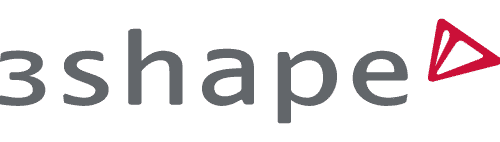
3Shape Ultimate Studio Bundle
Get complete mastery of the 3Shape ecosystem with all four studio applications in one comprehensive package.
This bundle includes Clear Aligner Studio, Implant Studio, TRIOS Design Studio, and Splint Studio - everything you need to offer advanced digital workflows in your practice.
Recommended: If you haven't mastered the fundamentals of intraoral scanning yet, it is recommended to start with the foundation course - Learning 3Shape TRIOS.
Bundle Includes:
Clear Aligner Studio ($200 value)Implant Studio ($250 value)
TRIOS Design Studio ($100 value)
Splint Studio ($100 value)
6.5 CPD/CE Hours Total
Lifetime Access
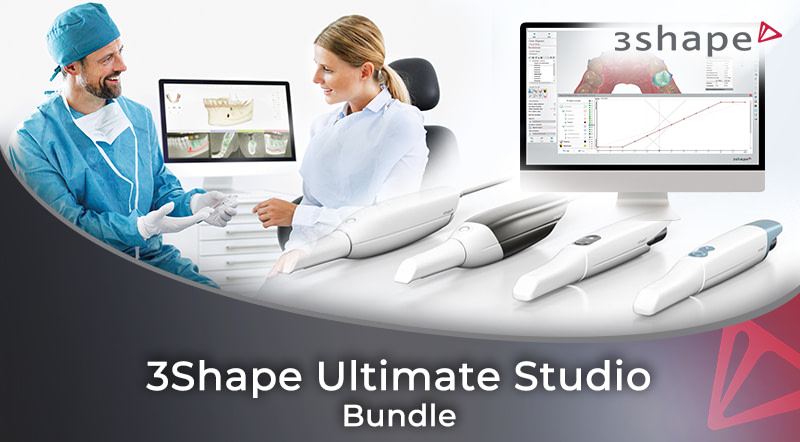
Learning 3Shape TRIOS
Master 3Shape TRIOS scanning with expert troubleshooting, advanced workflows, and ergonomic best practices. From first scan to complex cases - learn what really works.
This comprehensive three-part training takes you from fundamental scanner operation through advanced techniques, patient engagement tools, and sustainable practice ergonomics.
- Master proven scanning techniques like proper wiggling movements and surface locking
- Excel at two-phase scanning, edentulous cases, and pre-preparation workflows
- Learn from deliberate scanning failures and common errors
- Use TRIOS Smile Design and Treatment Simulator effectively
- Implement ergonomic solutions to protect your health
- Apply immediate solutions for scanning metal crowns and managing soft tissue
3 CPD/CE
2hr 38min
Novice
$200
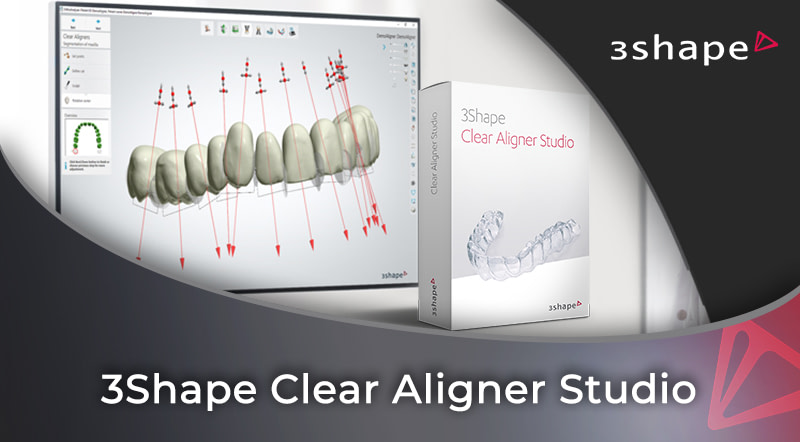
3Shape Clear Aligner Studio
Transform your practice with complete clear aligner workflows. Learn 3Shape Clear Aligner Studio from scan to print, including CBCT integration and advanced planning techniques.
Master the complete digital workflow for in-house clear aligner production. From basic model preparation to advanced CBCT integration, learn to design custom aligners with confidence.
- Master every step from scanning to production-ready 3D models
- Enhance treatment accuracy with root-based rotation axis placement
- Apply IPR, collision detection, and flexible tissue control
- Save chair time with rule-based attachment positioning
- Reduce material costs with strategic model preparation techniques
- Create efficient aligner sequences with precise movement control
2 CPD/CE
1hr 26min
Novice
$200
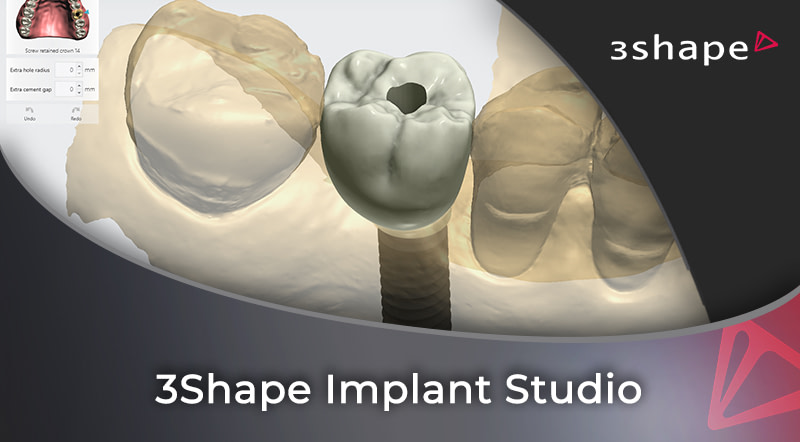
3Shape Implant Studio
Master 3Shape Implant Studio from setup to complex cases. Learn CBCT integration, nerve tracing, guide design, and specialized protocols for confident digital implant planning.
This comprehensive training delivers hands-on expertise in digital implant planning, combining CBCT integration, precise nerve mapping, and surgical guide design.
- Master complete workflow from case setup to guide production
- Achieve predictable results with precise nerve mapping
- Handle complex cases including edentulous reconstructions
- Integrate CBCT data, intraoral scans, and articulator simulation
- Reduce treatment time with streamlined planning workflows
- Expand treatment options with specialized protocols
- Generate professional documentation for team coordination
2.5 CPD/CE
1hr 58min
Intermediate
$250
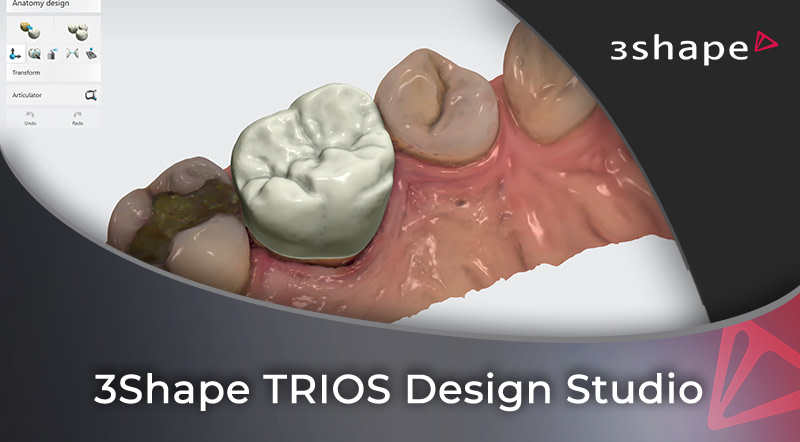
3Shape TRIOS Design Studio
Design crowns chairside in TRIOS Design Studio on scans with real problems, and see where the AI does the work and where you take over by hand.
Bartek Bernat works through a single crown, two crowns in one case and a set of inlays and onlays, from imported scans to the milling setup.
- Know what to design in-house and what to send to the lab
- Define margins and insertion directions on imperfect scans
- Use the AI proposal, and finish by hand when it has no reference to copy
- Work through thin-design and hard-contact warnings
- Set the block, sprue and milling resolution for your mill
- See why inlays and onlays are hard to mill chairside
1 CPD/CE
43min
Intermediate
$100
3Shape Splint Studio
Master the complete digital workflow for creating professional-quality splints, mouthguards, and nightguards using 3Shape Splint Studio - from virtual articulation setup to production-ready files.
Learn the complete workflow from virtual articulator setup through advanced surface design techniques. The course ends with a file ready for your 3D printer. Printing and finishing the splint are not taught.
- Master complete workflow from setup to production-ready STL files
- Block out for enough retention, without too much
- Close the outline without knots or loops
- Implement professional-grade virtual articulation methods
- Refine contacts and canine guidance by hand or with Adapt design
- Follow one case in each chapter, mistakes and fixes included

1 CPD/CE
47min
Novice
$100
Meet Your Educator

Bartek Bernat
3Shape TRIOS Ecosystem Expert
Bartek Bernat is a dental technician and IT engineer who graduated from DTU/IHK in Copenhagen with over 12 years of experience in dental CAD/CAM.
He started his digital dental journey in 2010 in Denmark with 3Shape as one of the first employees supporting the TRIOS project. Over the years, Bartek has installed over 250 3Shape systems, resolved thousands of support cases, and trained over 80 reseller representatives and hundreds of clinicians.
Bartek became an expert on 3Shape's Implant Studio, Dental System, and Ortho software during his time with 3Shape Academy and 3rd line Support. After moving to New Zealand, he cooperated with Dental Axess and Core3dCentres/Race Dental for 6 more years, adding Medit scanners, 3M TrueDef, Roland milling machines, and Asiga 3D printers to his expertise portfolio.
He joined the iDD team in spring 2022 as an independent consultant, bringing his extensive knowledge and practical experience to dental professionals worldwide.
Bartek is Polish but speaks English and Danish fluently. In his private life, he's a recumbent bike enthusiast, FDM printing and structured light scanning expert, sailor, and bush hiking enthusiast.
Frequently Asked Questions
While these courses are designed for 3Shape TRIOS users and those planning to implement 3Shape workflows, you can access the training content without owning the equipment. However, you'll get the most value if you have access to 3Shape software to practice alongside the lessons.
If you're planning to use multiple studio applications (Clear Aligner, Implant, Design, and Splint), the bundle saves you $150 and gives you comprehensive training across the entire ecosystem. If you only need specific applications, individual courses are available. We recommend starting with Learning 3Shape TRIOS as your foundation before diving into the studio courses.
All courses come with lifetime access. You can learn at your own pace and revisit the material whenever you need a refresher or want to implement new workflows in your practice.
Yes! The Learning 3Shape TRIOS course is designed for novice users and covers everything from initial setup to advanced scanning techniques. The studio courses range from novice to intermediate level, with clear prerequisites listed. Bartek's teaching style breaks down complex concepts into manageable steps.
Yes, all courses include CPD/CE credits upon completion. Each course has one to three quizzes, each with a pass mark of 80 percent. You receive your certificate once you complete the lessons and pass the quizzes. The CPD/CE hours are listed for each course.
No, the courses do not include practice files. You watch Bartek work in the 3Shape software on screen, and if you have the same software, you can repeat each step on your own cases.
You can contact iDD support at support@instituteofdigitaldentistry.com with any questions about the course content or technical issues. Our team is here to help you succeed.
These are independent training courses created by Bartek Bernat through the Institute of Digital Dentistry. While Bartek was 3Shape's first TRIOS support employee and has extensive experience with their systems, this training is not affiliated with or endorsed by 3Shape. It offers real-world, practical insights that complement manufacturer training.
Each course shows the 3Shape software as it was when Bartek recorded it. You get lifetime access to the course as recorded. Newer 3Shape releases may look different from the screens in the lessons.
Absolutely! Many practices use these courses to train their entire team. Each team member would need their own course access, but the lifetime access means you can use these as ongoing training resources for new staff members as well.